
Linear + Slack
“Create a bug ticket and message the team with the link.”
mrmr creates the Linear issue, copies the link, and posts the Slack update.
Hold a key and talk. mrmr's voice agent listens, talks back, and takes action across your apps, the web, and your Mac, confirming with you before anything runs.
Free during private beta.
A real back-and-forth, not one-shot commands. It asks when it needs to.
Reads are free; anything that writes is confirmed first.
Built for macOS. Lives in the menu bar, one keystroke away.
Mic opens only when you trigger it. No always-on listening, no training.
Press fn + shift and talk. mrmr is an AI agent for Mac you have a conversation with, chaining steps across your apps and confirming anything that writes. Why speech-to-action matters →
Animated demo of the Agent Mode overlay: a floating status pill cycles through Listening, Thinking, and Speaking while the agent checks a calendar, moves a meeting and posts to Slack, summarizes a channel, adds an Apple Reminder, runs a workflow, and delegates research to a background agent. When a task is delegated, a small sub-agent window pops into the top-right corner, collapses to an icon while it works, and re-expands with the finished result.

Creates, sends, and updates in Slack, Linear, Calendar, Gmail, Notion, and more, through real app APIs.

One request, several apps, run in the right order, without switching windows.

See the apps, fields, recipients, and content before anything is sent or created.

Save or import your own scripts and run them by voice; the output flows back into the conversation.

Hand bigger tasks to a background agent and keep talking. Ask for the result anytime.

Cited web search, page reading, plus files, Apple Reminders, and browser history, all by voice.
Four patterns mrmr handles well on day one, and the kind of work most beta users automate first. More voice commands →
“Create a bug ticket and message the team with the link.”
mrmr creates the Linear issue, copies the link, and posts the Slack update.
“Move my 3pm meeting with Sarah to 4pm.”
mrmr finds the event, prepares the change, and updates the invite after confirmation.
“Tell #product I'll push the release notes by end of day.”
mrmr drafts the Slack message and sends it after approval.
“What's the latest on the OpenAI API pricing?”
mrmr searches the web and reads back a live, citation-backed answer without leaving the conversation.
“Find the Q3 deck and remind me to send it at 4pm.”
mrmr finds the file, opens it, and creates the Apple Reminder.
Agent Mode connects to your work apps, plus built-in web search and on-Mac file search. Dictation works anywhere you can type.

Post messages, tag people, drop links into any channel.

Create issues, set priority, assign owners, link PRs.

Schedule, move, or cancel events with a sentence.

Capture and check off tasks without breaking flow.

Spin up a Meet and send the link where you need it.

Generate a Zoom link and share it across apps.

Capture notes and drop them into the right page.

Draft and send replies from anywhere on your Mac.

Check availability and manage bookings by voice.

Pull up scheduled meetings and share your links.

Look up contacts and update your CRM as you talk.

Set, update, and complete reminders mid-conversation, hands-free.

Open issues and PRs, comment, request review.

Live answers with cited sources, right in the conversation.

Finds files on your Mac and opens documents and folders.

Searches your browser history and bookmarks and opens the right link.

Copies results to your clipboard and opens the right link directly.
Save or import your own scripts and run them by voice; the output flows back.
Delegate bigger tasks to an agent that works while you keep talking.

Update deals, log notes, and look up contacts by voice.

Create tickets and update fields by voice.

Draft messages and schedule sends in your inbox.

Send messages and start calls hands-free.
Dictation Mode works in any app with a text field.
Agent Mode is the core. Dictation is the second mode: fast, polished voice typing anywhere on your Mac.
Animated demo of the Dictation Mode overlay: a recording pill with a live waveform and timer streams your words as you speak, fillers included, then mrmr cleans them up and inserts the polished sentence into the active app, cycling through Gmail, Slack, and Apple Notes examples in English, Spanish, and French.
mrmr is a voice-first interface for Mac, not a voice assistant: you speak, and it takes real action across your apps.
| Product type | What it does | Limitation |
|---|---|---|
| macOS Dictation | Turns speech into text | Does not execute workflows |
| AI dictation apps | Better voice typing | Mostly still text output |
| Siri / Shortcuts | Basic commands and automations | Brittle for real work-app workflows |
| mrmr | A voice agent that takes confirmed action across your apps and Mac | Mac-only, invite required |
If you feel the switching tax of jumping between your apps all day, mrmr is built to collapse it.
Hi, I'm Hamza, the founder. mrmr is invite-only right now. I'm onboarding every beta user personally so I can see which workflows matter, where the product breaks, and what to build next.
mrmr is a voice-first Mac app with two modes: a voice agent that takes confirmed actions across your work apps, the web, and your Mac, plus system-wide dictation that turns speech into polished text.
Agent Mode is a continuous voice agent. Press fn + shift and just talk. It listens, talks back, and takes action across your connected apps (like creating a Linear ticket and posting the link in Slack), searches the web, and works with files and reminders on your Mac. It confirms before it sends, creates, or changes anything.
The private beta currently supports Slack, Linear, Google Calendar, Google Tasks, Google Meet, Zoom, Notion, Gmail, Cal.com, Calendly, Attio, Apple Reminders, and GitHub, plus built-in web search, web page reading, on-Mac tools like file search and your browser history and bookmarks, and the ability to run your own saved scripts. More are on the way. See the full list of supported apps.
No. Reads and searches happen freely, but anything that writes to your apps or your Mac is shown to you first. You can edit the details, and nothing runs until you approve. Destructive actions always ask before proceeding.
The microphone only opens when you trigger mrmr; there's no always-on listening, and when Agent Mode is idle it sends no audio. Audio is processed in real time to power transcription and the agent. If Save transcripts is enabled, dictation recordings are retained locally on your Mac and can be deleted or disabled from Privacy settings; otherwise they are deleted after processing. Audio is not used for training.
mrmr is in private beta. Join the waitlist and we'll send access as spots open up. For the fastest path, book a 20-minute setup call.
mrmr is in private beta. Pricing will be announced before paid plans launch, with founder pricing for early beta users.
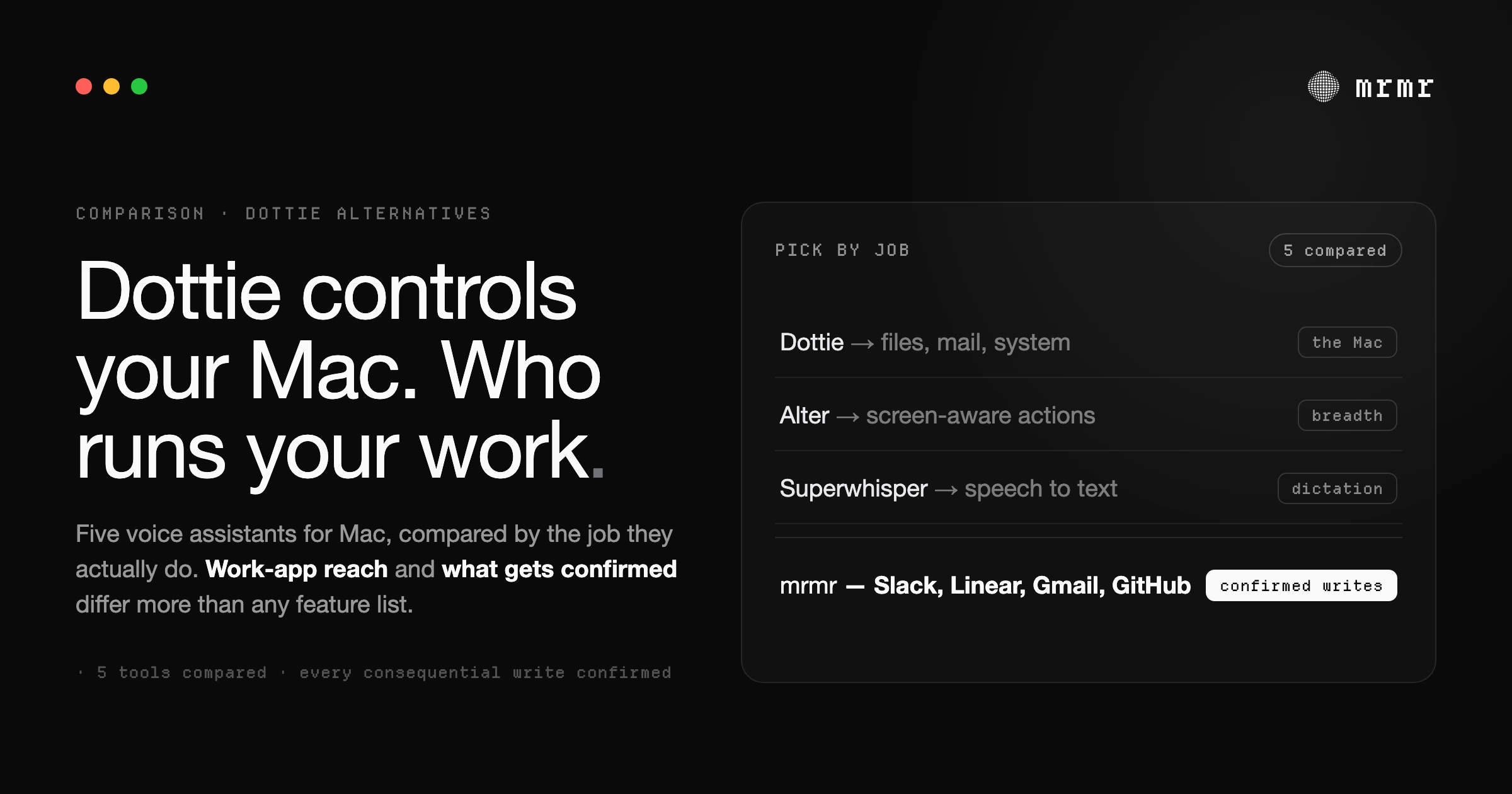
Dottie is a free, local-first voice assistant for controlling your Mac. But if you need voice that works across Slack, Linear, Gmail, and your other work apps, you need a different kind of tool. Here are the real alternatives, compared honestly.
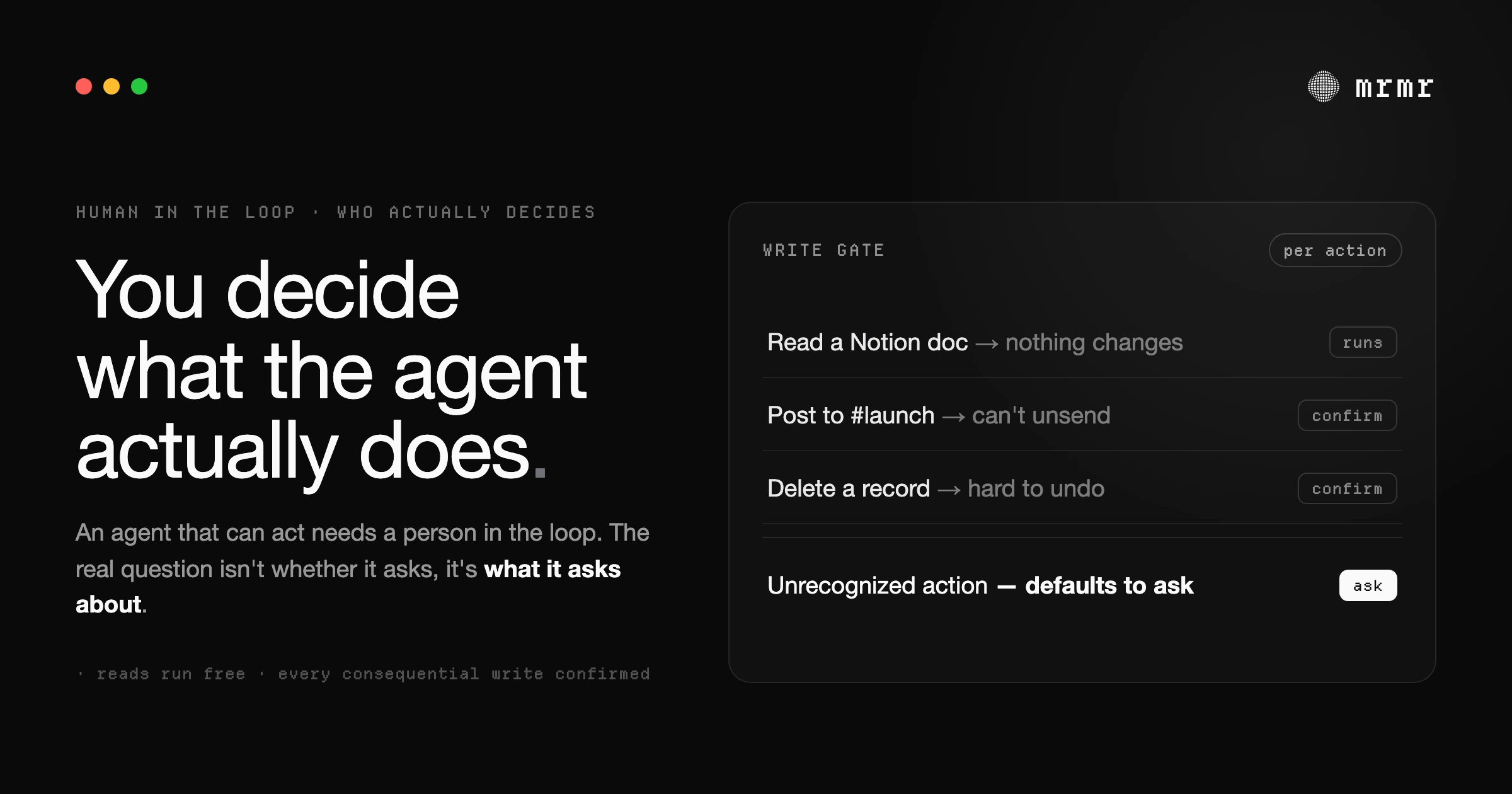
Human-in-the-loop AI keeps a person in control of what an agent does. Here's what the term actually means, the difference between in-the-loop, on-the-loop, and out-of-the-loop, and how to tell good design from safety theater.
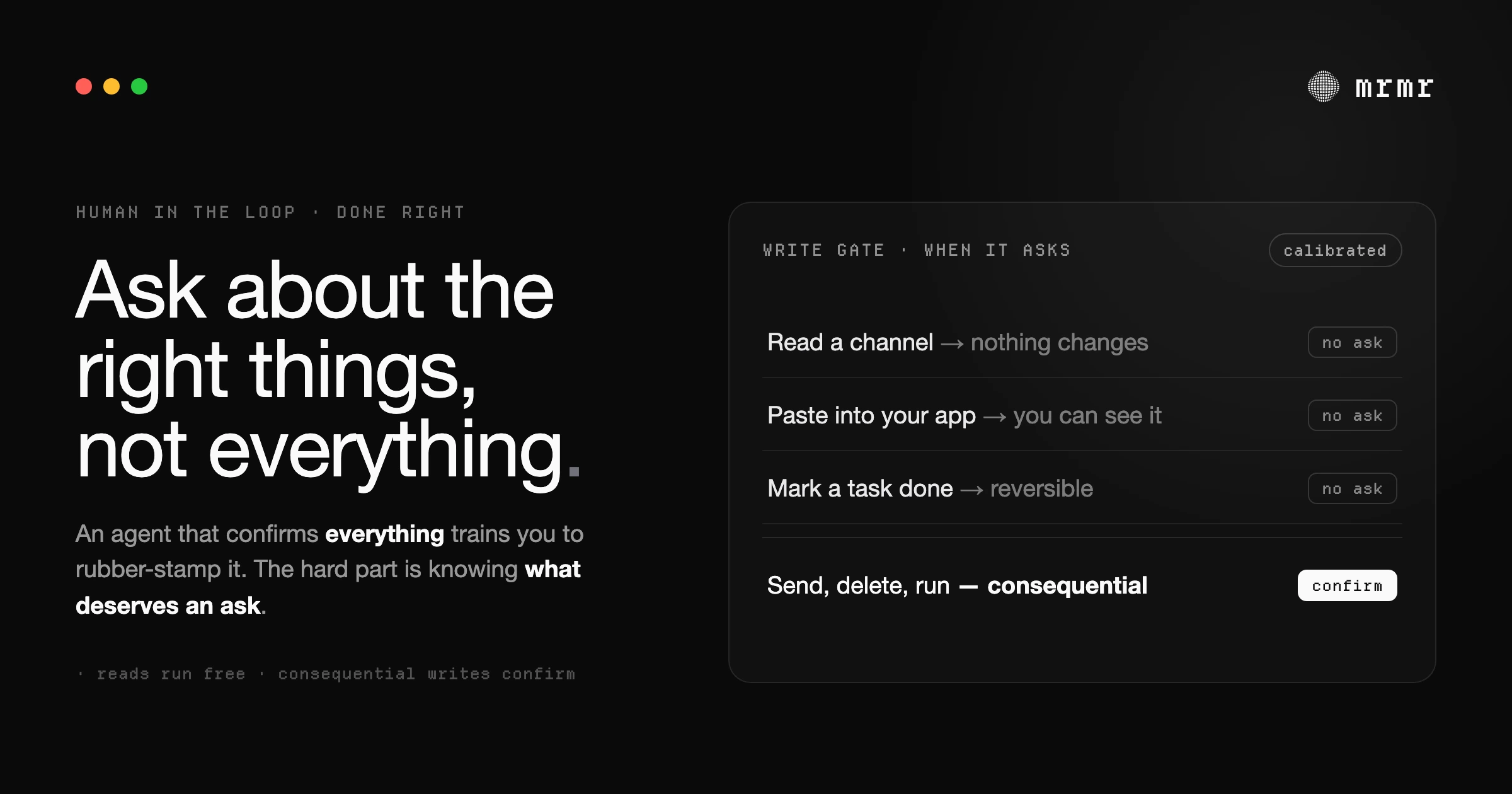
Human-in-the-loop AI is supposed to keep you safe. But an agent that confirms everything creates approval fatigue, and you start rubber-stamping. Here's the real problem, and the harder fix.
Install mrmr, grant the required permissions, connect an app, and try both voice modes.
Dictate into any Mac app, use hands-free recording, cancel safely, and recover your latest transcript.
Choose a microphone, control AI polish, set writing styles, and improve recognition of important terms.
Talk to mrmr, search connected work, run actions safely, and review completed agent sessions.
See every built-in tool available to mrmr's voice agent, what each tool can do, and how to invoke it naturally.
Delegate longer tasks, follow progress, approve external changes, and continue after completion.
Connect, reconnect, inspect, and disconnect the apps that Agent Mode can use.
See which apps mrmr currently supports and the kinds of voice commands available for each one.
Create, import, trust, edit, and run local scripts manually or through Agent Mode.
Search saved dictations, copy text, switch between original and polished text, and manage recordings.
Teach mrmr names and jargon, define replacements, move entries between Macs, and control sync.
Understand the Home dashboard and find previous Agent Mode, sub-agent, and script runs.
Find every major preference for startup, overlays, microphones, voice modes, feedback, and updates.
Control saved transcripts, dictionary sync, connected apps, analytics, devices, and account deletion.
Fix common problems with permissions, microphones, text insertion, integrations, Agent Mode, and updates.

