The Switching Tax: How Much Productivity You Lose Every Time You Switch Apps
Every app switch at work carries a cost. A Fortune 500 study counted about 1,200 app switches a day and nearly four hours a week lost to reorienting. What the research shows, where the famous 23-minute figure comes from, and how to cut the switching tax.
TL;DR: Every app switch at work carries an invisible cost. A 2022 study of Fortune 500 workers found people toggle between apps and websites about 1,200 times a day and spend just under four hours a week reorienting afterwards. The often-quoted “23 minutes” is real but usually misread: it is how long interrupted work waited before people got back to it, not how long refocusing takes. This is the switching tax. Here’s what it actually costs and how to reduce it.
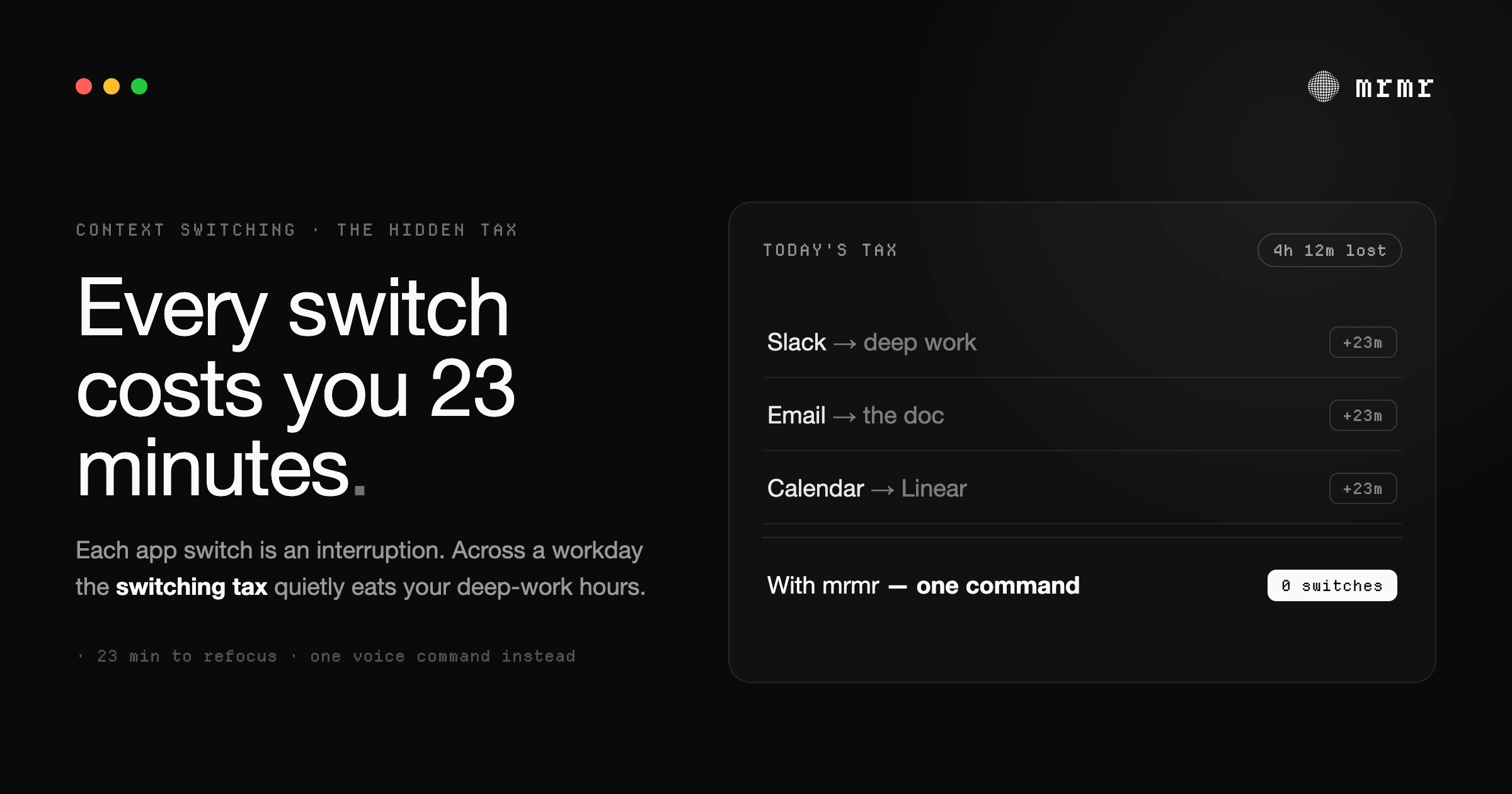
You sit down at 9am with a clear plan. You’re going to finish that one thing: the doc, the feature, the deck. You open it, read the first paragraph, and remember you need to ping someone in Slack. You switch to Slack. You see four other unread messages. You answer two of them. You notice a Linear ticket someone tagged you in. You open Linear. You read the ticket, leave a comment, then realize you should add it to your calendar. You switch to Google Calendar. You create the event. You go back to your editor.
Six minutes have passed. You read the first paragraph again. You’ve forgotten what you were going to write.
This is the switching tax. And it’s the reason you can spend eight hours at your desk and feel like you got nothing done.
What the research actually shows
The most quoted number about interruptions is 23 minutes and 15 seconds. It comes from Gloria Mark, a researcher at UC Irvine who studies attention at work, describing her field observations of knowledge workers in a 2006 Gallup interview: 81.9 percent of interrupted work was resumed the same day, and it was resumed, on average, 23 minutes and 15 seconds later.
That number is usually quoted as “the time it takes to refocus.” It isn’t quite that. It’s how long the interrupted task waited before people got back to it, and in between, they typically worked on two other tasks first. Their attention went to whatever pulled them away, and the original task had to wait its turn.
The cost also shows up when nobody is counting minutes. In a 2008 lab study, Mark and her colleagues found that people finished interrupted tasks faster, with no loss in quality, because they compensated by working faster, and they reported more stress, frustration, time pressure, and effort as a result (Mark, Gudith, and Klocke). Interruptions don’t just cost time. They make the same work feel harder.
The math gets bad fast
Most knowledge workers switch apps far more than they realize. A 2022 study published in Harvard Business Review followed 137 people across three Fortune 500 companies and found they toggled between apps and websites about 1,200 times a day, spending just under four hours a week reorienting after those switches, roughly 9% of their working time (Murty, Dadlani, and Das).
Four hours a week is the part that was measured. The part that wasn’t is depth: if a switch arrives every few minutes, you rarely get back to the level of focus you started with before the next one pulls you away. You operate in a state of partial attention, never quite reaching the depth the hard problem needs.
This is what the switching tax actually feels like: not a clean penalty, but a ceiling on how deep you can go. You can do shallow work all day. You can answer messages, attend meetings, and respond to tickets. What you can’t do is get into the state where the hard problem actually gets solved.
Why so many switches?
The honest answer: because your tools were designed independently. Your code lives in one app. Your tickets live in another. Your messages in a third. Your calendar in a fourth. Your meeting links in a fifth. Each one demands your full attention to do one small thing, and each small thing requires leaving the work you were doing to fetch it.
Slack didn’t ask Linear how to build a UI. Linear didn’t ask Google Calendar. Each tool optimizes for its own use case and assumes it deserves your full screen and your full attention when you’re using it. Together they form a workflow that requires constant context switching just to coordinate the basic actions of a normal workday.
The result is that simple multi-step tasks (create a ticket, message the team about it, block time on your calendar) become five-app expeditions. Each app switch is a small tax. Together they consume the part of your day where deep work was supposed to happen.
Reducing the switching tax
There are a few real strategies for cutting the switching tax. None of them are revolutionary, but they help.
Time-blocking and notification batching. Turning off Slack and email for two-hour focus blocks works, but it requires organizational buy-in and most people can’t sustain it. It also doesn’t solve the problem of self-initiated switches.
Single-app focus tools. Apps like Freedom or Cold Turkey block distractions, but they don’t help when the switch you need to make is a legitimate work task (“create a ticket and tell the team”).
Keyboard shortcuts and command palettes. Tools like Raycast and Alfred speed up app switching but don’t eliminate the underlying need to leave what you’re doing. They make the switch faster, not less costly.
The deeper fix is to remove the need to switch at all. If a task can be executed without leaving the app you’re in, the switching tax disappears. Not reduced. Eliminated.
Eliminating the switch with voice
This is where voice changes the equation. A voice-first interface lets you stay in your current app while executing actions in others. You’re in your editor. You don’t leave. You hold one key, speak a command, and the action happens in the background, across whatever apps it needs to touch.
“Create a Linear ticket for the search outage and message engineering in Slack with the ticket link.” Two apps, one command, six seconds. You never opened Linear. You never opened Slack. Your cursor never left the function you were debugging. The actions executed, the confirmation cards appeared, you approved them, and you went back to the work you were actually doing.
This is what mrmr does. It’s a voice-first interface for Mac that runs commands across Slack, Linear, Google Calendar, Google Tasks, Google Meet, and Zoom, without making you switch contexts. Every write to a connected app shows a confirmation card before it runs, so nothing is sent or created without your approval.
The switching tax doesn’t go to zero: meetings, deep work in unrelated tools, and unavoidable interruptions still exist. But the largest source of the tax for most knowledge workers is the constant micro-switching to send messages, create tickets, and manage calendars. That category collapses to near-zero when voice is the control layer instead of the mouse.
You stop paying the tax for the small stuff. The hours you used to lose to micro-switches become hours you can actually focus.
The ceiling moves
The interesting thing about reducing the switching tax isn’t that you get more done in the same hours. It’s that the ceiling on how deep you can go moves up.
When the cost of executing a small task drops from a 6-minute context switch to a 6-second voice command, you stop avoiding the small tasks during deep work. You stop batching them for later. You stop letting them accumulate in your head as background noise. You handle them as they come up, and you stay in the state you were in.
That’s the real win. Not productivity in the spreadsheet sense, but focus in the cognitive sense. The thing you sat down to do at 9am actually gets done, because nothing pulled you away from it for long enough to break the spell.
Try it
mrmr is a voice-first interface for Mac, currently in private beta.
Join the waitlist or Book a 20-minute demo
Sources
- Murty, Dadlani, and Das, How Much Time and Energy Do We Waste Toggling Between Applications? (Harvard Business Review, August 2022). About 1,200 app toggles a day and just under four hours a week spent reorienting.
- Gallup Business Journal, Too Many Interruptions at Work? (June 8, 2006). Gloria Mark’s interview: interrupted work was resumed, on average, 23 minutes and 15 seconds later, usually after two other tasks.
- Mark, Gudith, and Klocke, The Cost of Interrupted Work: More Speed and Stress (CHI 2008). Interrupted work is finished faster but with more stress, frustration, time pressure, and effort.
Related reading:
- What Is a Voice-First Interface? (And Why It’s Not a Voice Assistant)
- Speech-to-Action: Voice on Your Mac Should Do More Than Type
- Voice Commands on Mac: 20+ Hands-Free Shortcuts for 2026
- Best Dictation Apps for Mac (2026): 10 Compared (Free + Paid)
- Designing Voice for Flow: What Building a Voice Agent Taught Us

