15 Things a Voice Agent Can Do That Dictation Can't
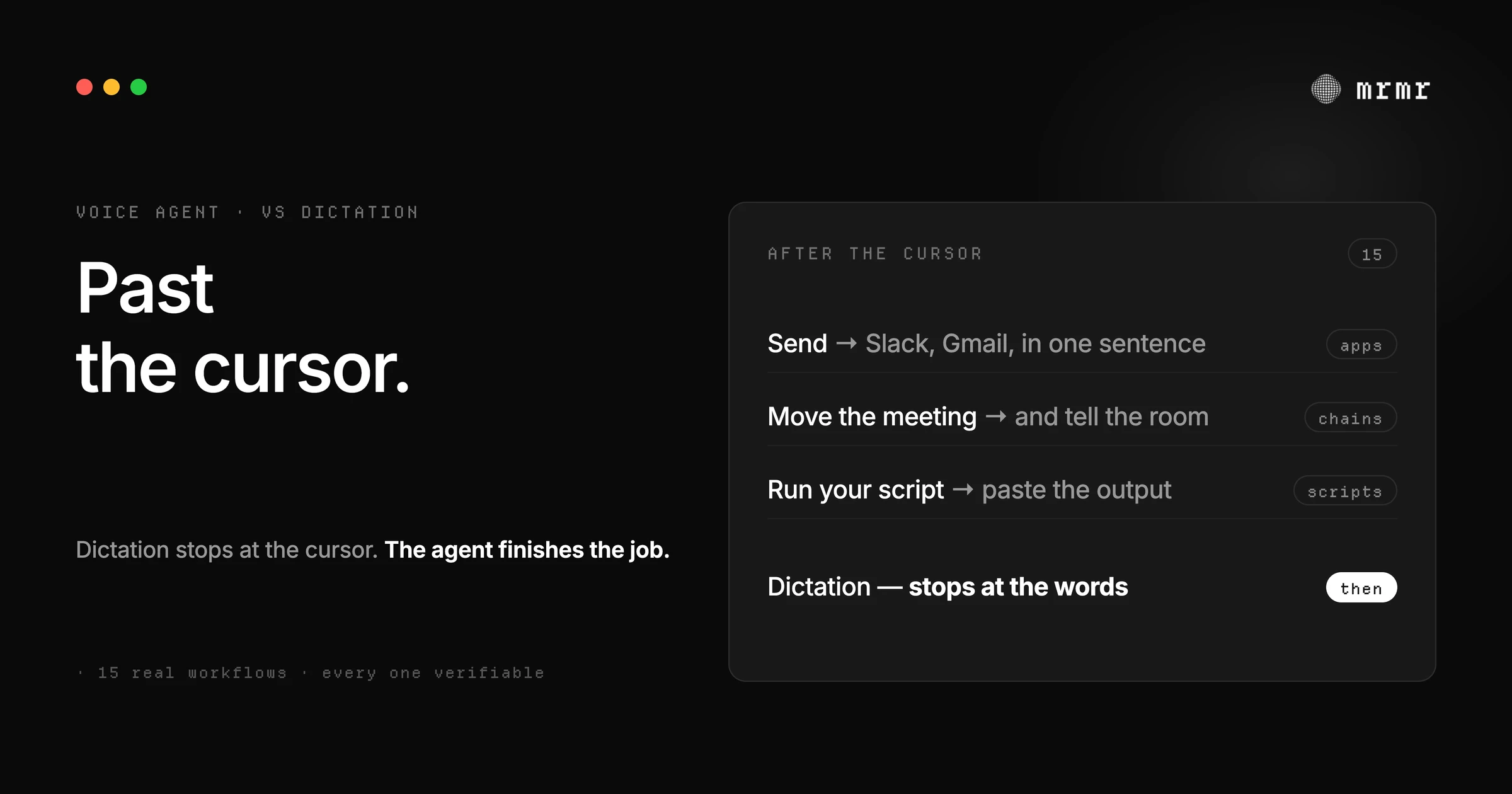
Dictation stops at the cursor. A voice agent acts: 15 real workflows across Slack, Linear, Calendar, Reminders, scripts, and sub-agents, with what happens on each and the honest limits.
TL;DR: Dictation converts speech into text, and it stops at the cursor. A voice agent converts speech into executed work: messages sent, tickets filed, meetings moved, files found, scripts run, long tasks delegated. Here are 15 real workflows, each written the same way: the sentence you say, what actually happens across which capability, and the honest limitation. Nothing here is a demo that only works on stage; every example maps to a capability that ships in mrmr today. And at the end, an honest answer to the real question: when dictation is enough, and when you want the agent.
Apple’s built-in dictation types what you say at the cursor, and it’s good at it. So are the third-party dictation apps, some of which run entirely offline. If your day is mostly writing, dictation is a genuinely great tool, and you should use it.
But dictation has a hard boundary: it stops the moment words need to become something other than text. It can’t send the message. It can’t file the ticket. It can’t move the meeting, find the file, or read the error on your screen. Everything after the cursor is still your job: open the app, navigate to the right place, click the thing, fill the fields.
A voice agent starts where dictation stops. Below are fifteen workflows, grouped by the part of your day they change. Each one shows the sentence you’d say and what actually executes, because “voice-to-action” is only meaningful if you can check it against real capabilities.
Across your apps, in one sentence
This is the category that dictation structurally cannot serve, because the work spans apps and each step would be its own manual task.
1. “Send deploy complete to the engineering channel, and file a ticket for the flaky export test.” The agent resolves “the engineering channel” to your real Slack channel and files the Linear issue with the description you gave it. Two writes, two confirmation cards, zero app switches. The limit: each write waits for your yes, so this is two taps, not zero.
2. “Reply to Priya saying Thursday works, and move my 3pm to Thursday.” A Gmail reply and a Google Calendar update, chained in one utterance. The agent resolves “Priya” to the right contact and “my 3pm” to the right event before showing you the cards. Dictation gets you the reply text at best; the reschedule and the send are still manual.
3. “Start a Meet with the design team and drop the link in #design.” A Google Meet event is created and the link is posted to the Slack channel. Two apps, one sentence. The limit: meeting details go to the people you said, so check the card before you approve.
Work tracking by voice
4. “File a bug: the export button is broken on Safari, priority high, assign it to Sam.” A Linear issue is created with the title, priority, and assignee resolved from your real workspace, so “Sam” becomes the actual teammate. Dictation can type this into a form you already opened; the agent opens nothing and files it.
5. “What’s the status of the payment integration PR?” A read across GitHub: pulls the PR’s current state and summarizes it. Reads run freely, no confirmation card. The limit: it reads your connected repos; it doesn’t browse your git history or run your tests.
6. “Log the Acme call in Attio: contract renewal, next step is the pricing doc.” The CRM note is created with the deal matched by name. CRM hygiene is the task everyone knows they should do and nobody does mid-flow; this is the workflow that gets done because it costs one sentence.
Meetings and scheduling
7. “What’s on my calendar tomorrow?” A calendar read, spoken back in seconds. Reads never ask, so there’s no friction even for a question this small.
8. “Move my 2pm to Thursday and tell the room.” The event is rescheduled and the attendees are notified in one flow. Dictation can help you write the reschedule message; it cannot move the event or send it.
9. “Add follow up with Acme to my tasks for Friday.” A Google Task is created with the due date resolved from “Friday” against your timezone. Adding a task this small is exactly the kind of write that skips the card by design: lowest stakes, trivially reversible.
Your Mac, by voice
10. “Add milk to the Groceries list.” Apple Reminders, created locally on your Mac without a confirmation card. On-device actions with small blast radius run free; deleting an entire list, a bigger blast radius, asks first.
11. “Find the invoice PDF from March and open it.” Spotlight-grade file search on your Mac, then the file opens. No cloud involved in the lookup. This is the one that answers “can I organize files by voice without a mouse”: for finding and opening, yes.
12. “Open my Search Console.” Your browser’s bookmarks, most-visited sites, and history are searched locally, and the match opens. “My” is the point: it resolves to the dashboard you actually use, not a search result.
13. “What does this error mean?” With the optional Screen Recording permission granted, the agent captures the front window and reads it through a vision model to answer the question about what you’re looking at. Point at a button, ask about a chart. Dictation has no idea what’s on your screen.
Your own scripts
14. “Run my standup script and paste the output into the ticket.” Your script runs (Raycast script commands import as-is), its output flows back, and the agent pastes it where you asked. Two capabilities chained: the script executes with the confirmation flag you set, and pasting needs no card because you can see it happen in the focused app. Dictation can read your script’s output aloud; it can’t run it, route its output, or file the result.
The long tasks you delegate
15. “Delegate a review of my open Linear issues and group them by priority.” A sub-agent takes the bounded task and works through it in the background, reading across your issues over many steps, while you keep talking. Reads run, every write it proposes pauses for your approval, and the result lands in a panel you can check in on by meaning. Dictation doesn’t have hands to delegate with; this is agency, not transcription.
What dictation still does better
To be fair to the other side, because this is a comparison only honesty can win:
- It’s instant and universal. Dictation works in every text field on your Mac with zero setup, no connectors, no accounts. If the sentence is the deliverable, dictation is faster end to end.
- It has no gates, by design. Typing text into the app you’re looking at needs no confirmation, and a good agent agrees: pasting into the focused app is exempt for exactly that reason.
- It can be fully offline. Local-first dictation tools keep your audio on the device entirely; we said this plainly in our piece on what voice agents send to the cloud. For content that must never leave your machine, a good offline dictation tool is the right call.
- It’s cheap. Apple’s dictation is free and built in; its limits are real, but for short messages and notes, built-in dictation is genuinely enough.
Which one do you actually need
The decision isn’t dictation versus agent as a lifestyle. It’s per workload:
- If your work is writing (documents, code, long messages), dictation covers the bulk of it, and a good polished dictation app is all you need.
- If your work is across apps (messages to send, tickets to file, meetings to move, statuses to update, records to log), that work is invisible to dictation, and it’s where a voice agent earns its place.
- Most people have both. That’s the honest answer to “is it worth paying for a voice-first app if I already use dictation”: if you only ever turn speech into text, no. If you spend real time each day opening the app, finding the ticket, clicking send, and moving the meeting, the agent is the thing dictation never was: it finishes the job.
Sources
- Apple Support, Use Dictation on your Mac (Mac User Guide). Documents the built-in dictation this piece compares against: speech becomes text at your cursor, with Apple’s own usage limits.
Frequently asked questions
Can voice dictation tools execute multi-step workflows across different apps? Dictation itself can’t: it transcribes text into the app you’re typing in, full stop. Multi-step workflows across apps are voice-agent work. The agent resolves your words to real entities (channels, people, projects), chains the actions through each app’s API, and confirms the writes with you before they happen.
Is a voice-first app worth paying for if I already use Apple Dictation? If everything you do with your voice is turning speech into text, Apple’s dictation is a capable, free answer. You pay for the layer after the words: sending, filing, scheduling, searching, running scripts, and delegating. If your day is mostly typing, dictation is enough. If your day is mostly moving work through apps, that’s the part dictation can’t reach.
Would a voice-to-action app help a writer or coder? Writers and coders get the clearest win, because so much of the surrounding work isn’t writing: filing the bug you noticed mid-edit, checking the PR while you think, running the test script and pasting its output, delegating the weekly summary. The writing itself stays with dictation; the context switching around the writing is what the agent removes.
What can’t a voice agent do that dictation can? Paste instantly into any text field with zero setup, work in apps with no connectors, and run without an internet connection if you use a local dictation tool. Dictation also has no confirmation step for pure text, which is exactly right for typing. A voice agent asks before it acts, and its reach is the apps it has connectors for.
Does mrmr replace dictation? No, and it doesn’t try to. mrmr includes polished dictation (around 60 languages, custom vocabulary, per-app writing style) for the moment when words are the deliverable, and Agent Mode for everything the cursor can’t do. Most people use both in the same hour: dictate the update, then send it.
Try it
mrmr is a voice-first AI agent for Mac: dictation when words are the deliverable, and an agent that sends, files, schedules, searches, runs, and delegates when the job goes past the cursor. Every workflow above maps to a real capability. It’s currently in private beta.
Join the private beta → Book a 20-minute setup call →
Related reading:

