What Is Voice-to-Action?
Voice-to-action (also called speech-to-action) turns a spoken instruction into completed work in your apps instead of text at your cursor. How it works, how it differs from dictation, Voice Control and Siri, and what to look for.
Voice-to-action, also called speech-to-action, is software that turns a spoken instruction into completed actions in your apps rather than into text. You say “move my 3pm with Sarah to tomorrow and tell her in Slack,” and the meeting moves and the message is sent, after you confirm. mrmr is a voice-to-action app for Mac: hold fn to dictate text, or press fn + Shift and say what you want done across Slack, Linear, Google Calendar, Gmail, Notion and the rest of your work apps.
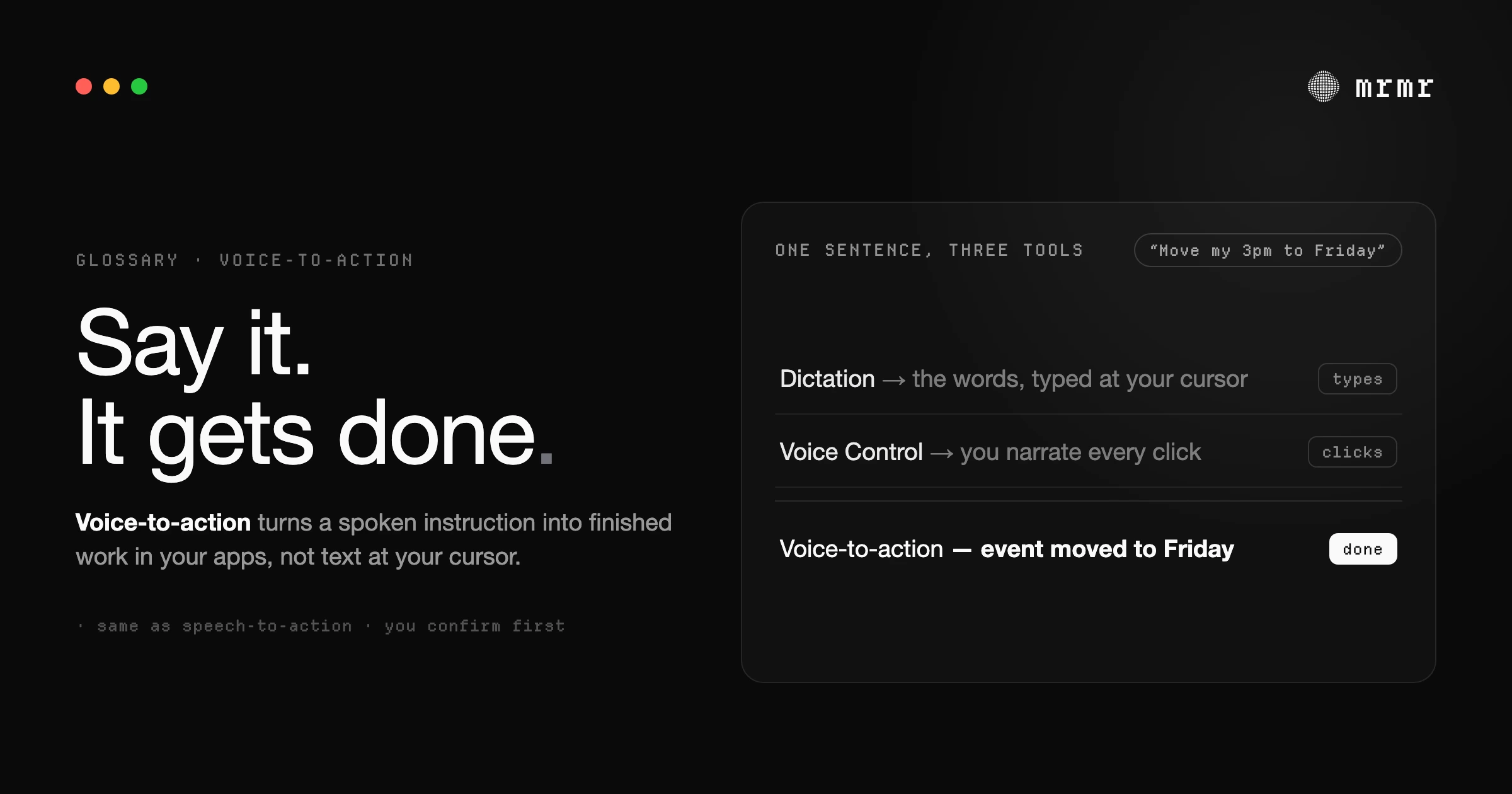
Voice-to-action in one sentence
Dictation turns speech into text; voice-to-action turns speech into done work. The output is a changed system (a sent message, a created ticket, a moved event), not words at your cursor.
How voice-to-action works
A voice-to-action tool does five things between your sentence and the result:
- Understands the intent. “Tell the design channel the mockups are ready” is a request to post a message, not text to type.
- Resolves real entities. “Sarah”, “the design channel” and “the onboarding project” are matched to the actual person, channel and project in your connected workspace, so the action lands in the right place.
- Plans the steps. One instruction can mean several actions across several apps, and later steps can use earlier results, such as putting the link to a ticket it just created into a Slack message.
- Confirms what is consequential. Anything that sends, creates, changes or deletes something is shown to you first, with the exact details, and runs only when you approve it.
- Executes through the apps’ APIs. The work happens through each app’s own interface for programs, not by clicking around your screen, so it does not depend on where buttons are.
Voice-to-action vs dictation, Voice Control and Siri
| What your voice produces | Where it stops | Example | |
|---|---|---|---|
| Dictation | Text at your cursor | When the words land; you still send, file or schedule by hand | ”Running ten minutes late” typed into a Slack box |
| macOS Voice Control | On-screen operations: clicks, scrolls, menu choices | At the interface; you narrate each step | ”Open Mail”, “Click Done” |
| Siri | Answers and actions in Apple’s apps, and in third-party apps that integrate with it | At apps that have not integrated with Siri | Siri AI (in beta with macOS 27) chaining steps across Messages, Mail and Reminders |
| Voice-to-action | Completed work in your connected work apps | When the work is done and confirmed | ”Create a Linear ticket for the login bug and post it in #eng” |
The tools overlap at the edges. Most voice-to-action tools also dictate, and Siri AI now acts in more places than classic Siri did. The difference is what the tool is built around: voice-to-action is built around finishing tasks in the apps your work lives in.
Examples of voice-to-action
| You say | What happens |
|---|---|
| ”Message the engineering channel that the deploy is done” | A Slack message to #engineering, shown to you before it sends |
| ”Create a high-priority Linear ticket for the search filter bug and assign it to me” | A Linear issue with the title, priority and assignee filled in |
| ”Move my 3pm to 4pm” | The Google Calendar event is moved |
| ”Start an instant Zoom and send the link to the design channel” | A Zoom meeting is created, then the join link is posted to Slack, each after you confirm |
| ”What’s on my calendar this afternoon?” | A spoken and written answer; reads need no confirmation |
What to look for in a voice-to-action tool
- Confirmation enforced in code. The check before a write should live in the application, not only in the model’s instructions, so a misheard command or a hostile instruction hidden in an email cannot run something you did not approve. More on this in how voice agents confirm actions.
- The right amount of asking. Reads should run freely. Asking about everything trains you to approve without reading, which is approval fatigue.
- Real entity resolution. It should know your channels, teammates and projects rather than guessing at names.
- Chaining. One instruction should be able to span apps, with later steps using earlier results.
- The apps you actually use. A voice-to-action tool can only act where it has a connection.
Voice-to-action in mrmr
mrmr is a voice-to-action app for Mac with two shortcuts. Hold fn and speak to dictate clean text into any app. Press fn + Shift (both shortcuts can be changed) to open Agent Mode, a voice conversation that acts across Slack, Linear, Google Calendar, Google Drive, Google Tasks, Gmail, Notion, GitHub, Zoom, Google Meet, Cal.com, Calendly, Attio and Apple Reminders, plus web search, files on your Mac and your own scripts.
Reads, such as checking your calendar or searching the web, run straight away. Writes to your connected apps show a confirmation card naming the exact action and its exact details, and mrmr’s code refuses to run a write that does not match a card you approved. A few low-risk, easily undone actions, such as ticking off a task or adding a reminder, skip the card. Bigger jobs can go to a background agent that works while you keep talking.
For the longer story of why voice should do more than type, read Speech-to-Action: Voice on Your Mac Should Do More Than Type. For the commands macOS itself understands, see the list of Mac voice commands.
Frequently asked questions
What is voice-to-action?
Voice-to-action, also called speech-to-action, is software that turns a spoken instruction into completed actions in your apps rather than into text. You say what you want done, it works out the intent and the real entities you named, carries out the steps through each app's API, and asks you to confirm anything consequential first. mrmr is a voice-to-action app for Mac.
Is voice-to-action the same as speech-to-action?
Yes. Voice-to-action and speech-to-action are two names for the same idea: a spoken instruction produces executed actions rather than text. mrmr uses both terms.
How is voice-to-action different from dictation?
Dictation converts speech into text at your cursor and stops there. Voice-to-action starts where dictation stops: it sends the message, files the ticket or moves the meeting. Many voice-to-action tools, mrmr included, also dictate, so you use one shortcut to type and another to act.
Is voice-to-action the same as Siri or Voice Control?
No. macOS Voice Control maps speech to on-screen operations such as clicking a button or scrolling, and Siri handles Apple's apps and third-party apps that have integrated with it. A voice-to-action tool works through the APIs of the work apps you connect, such as Slack, Linear and Google Calendar, and chains steps across them from one instruction.
Is it safe to let voice trigger real actions?
It is safe when the tool shows you the exact action before it runs and enforces that check in code, not just in the model's instructions. In mrmr, reads run freely, while writes to your connected apps show a confirmation card naming the exact action and its exact details, and nothing runs until you approve it.
Sources
- Apple, Use Voice Control commands on Mac (Mac User Guide, accessed October 2026). Voice Control commands such as "Open Mail", "Scroll down" and "Click Done", and how to see the full list.
- Apple, Dictate messages and documents on Mac (Mac User Guide, accessed October 2026). What built-in dictation does: speech to text at the cursor, with automatic punctuation in supported languages.
- Apple, Siri AI, a profoundly more capable and personal assistant, is here (September 14, 2026). Siri AI's beta rollout with macOS 27, multi-step actions across Apple's apps, and actions in third-party apps that integrate with it.

