Every AI Assistant That Can Act on Your Mac (2026)
Siri AI, ChatGPT's agent, Gemini Spark, OpenClaw, and mrmr: every assistant that can now act on your Mac, compared on where it lives, what it actually executes, how it confirms writes, and what it costs. Including where each one loses.
TL;DR: The 2026 wave of AI assistants all made the same promise on your Mac: say what you want, and the machine does it. But they are five very different bets about where the work happens. Siri AI acts through Apple’s own surfaces in beta. ChatGPT’s agent works on a computer OpenAI controls, not yours. Gemini Spark automates your digital life from Google’s cloud at $100 a month. OpenClaw hands you the keys and the responsibility. mrmr works system-wide across your existing apps with a confirmation card on every write. This comparison judges each one on what it can actually execute, where the confirmation gate lives, and what it costs, including where each one loses.
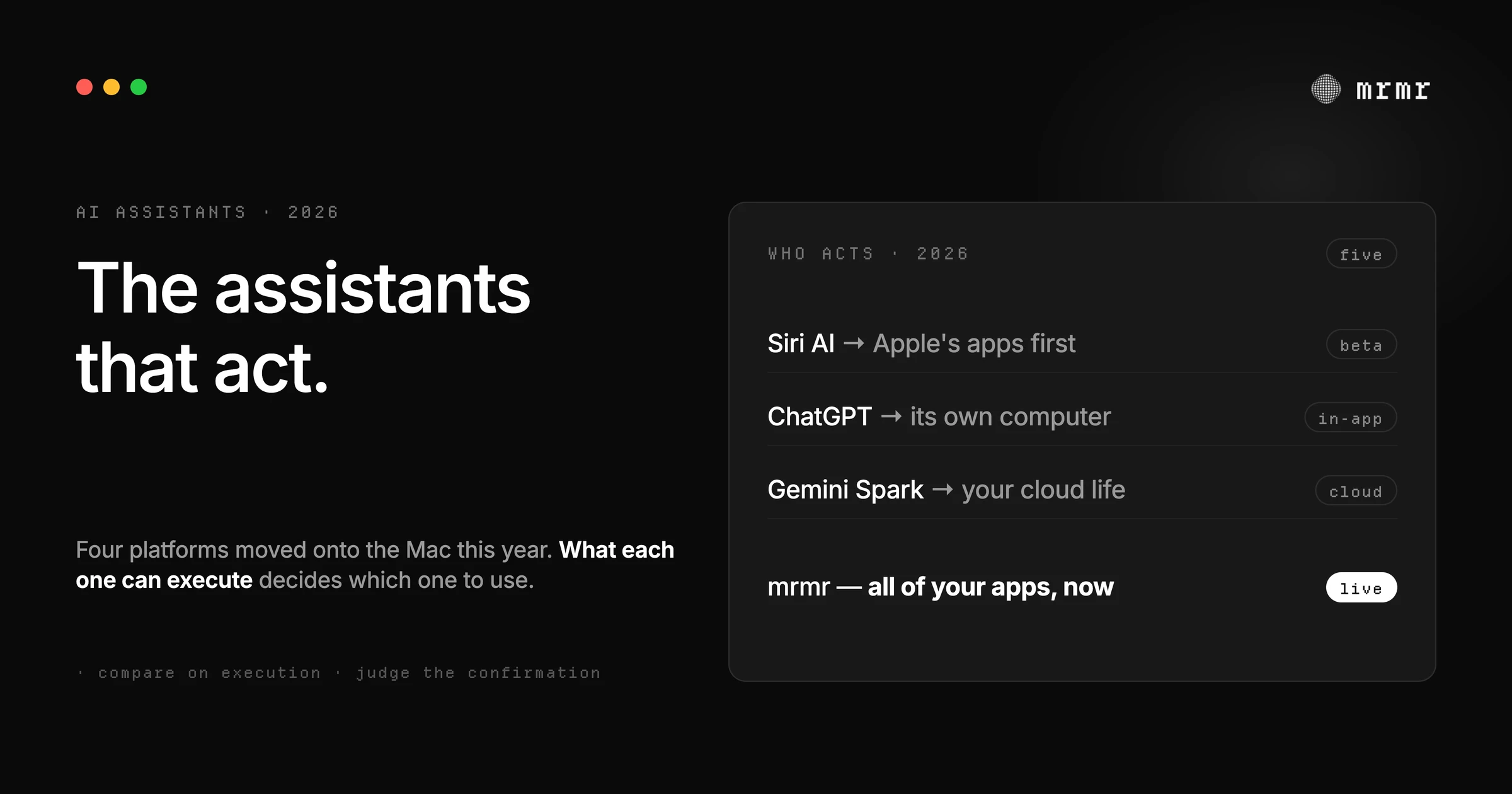
Between June and September 2026, the AI assistant market on the Mac changed shape. Apple rebuilt Siri into a conversational, context-aware assistant. OpenAI put voice on the desktop ChatGPT app to start and steer agents. Google’s Spark landed on macOS to automate workflows under your direction. Underneath the giants, an open-source framework turned Mac minis into agent hosts, and system-wide agents like mrmr kept shipping deeper cross-app action.
Every one of them can now act on your Mac. Almost none of them act in the same place, in the same way, or under the same rules. That difference is the whole decision.
We compared the five on a single axis: what can each one actually execute on your Mac, and how does it keep you in control while doing it. This deliberately overlaps with, but is not, our earlier 7-app comparison of Mac voice agents; that piece ranked the third-party apps head-to-head. This one is about the platform wave: the assistants shipped by Apple, OpenAI, and Google, plus the open path, judged by the same standard.
The contenders
Siri AI on Mac: the rebuilt native assistant
Apple introduced Siri AI at WWDC on June 8, 2026: a rebuilt, conversational Siri with personal context understanding, onscreen awareness, and broad world knowledge, running on Apple’s own models on device and on Private Cloud Compute. On the Mac it lives in the surfaces you already use: Spotlight (Command-Space now answers questions), systemwide context menus (control-click a file, image, or selection to ask), a dedicated Siri app with iCloud-synced history, and Visual Intelligence through a keyboard shortcut.
What it can execute on your Mac: systemwide app actions, like drafting an email from scratch or editing and sharing photos, with Craig Federighi framing the goal as helping “users take action across apps more naturally than ever.”
Where it loses: its action surface is Apple-first. Third-party reach grows as developers integrate with Spotlight, but the deep connectors to your Slack, Linear, or Notion are not the product’s center of gravity. It launched to the public this month with macOS 27, rolling out gradually via a waitlist and still labeled beta; English first, Apple Silicon required, with limited EU availability on Mac.
ChatGPT agent and Voice on desktop: the powerful outsider
OpenAI’s agent, launched July 2025, does complex multi-step work on its own virtual computer: browsing, running code, building slideshows. Its safety model is the reference point for the industry: the model is trained to “request permission before taking actions of consequence,” critical tasks like sending email require active oversight in Watch Mode, and explicit confirmation is documented as a mitigation against prompt injection. In July 2026, ChatGPT Voice reached the desktop app, letting you start and steer these agents by voice.
Where it loses: the work happens inside ChatGPT’s world, on its virtual computer and through its connectors, not across your desktop’s applications. For web-heavy research and production tasks it is exceptional; for “file this ticket in Linear and reply in that thread,” you’re routing around your actual tools. Voice steering requires paid plans.
Gemini Spark on Mac: the persistent cloud agent
Google’s Spark is the most ambitious shape: a 24/7 personal agent that runs on Google’s infrastructure and acts across your digital life, arriving on macOS with local-file and desktop workflow automation under your direction. Its Mac voice entry point is a press-and-hold key that reads your screen and turns rambling speech into drafts. It costs $100 a month through Google AI Ultra and is US-only in beta.
Where it loses: price and access are the steepest on this list, it is cloud-first rather than on your machine, and Google hasn’t published detailed confirmation behavior for its background actions, the question that matters most for a persistent agent.
OpenClaw: the self-hosted agent framework
The open-source framework behind the Mac-mini-as-agent-host phenomenon. You run it, you configure it, you own it: local models or cloud APIs, voice interfaces, messaging channels, and a long tail of integrations. Its permission story is strict and explicit: shell execution is gated by exec approvals bound to exact request context and, where possible, one concrete local file, and ambiguous commands are denied rather than guessed.
Where it loses: it is a framework, not a product. You are the operator, the on-call engineer, and the security reviewer. The ceiling is whatever you build, and the floor is whatever you misconfigure.
mrmr: the system-wide integration-native agent
mrmr is a voice-first agent that works across the apps already open on your Mac. Agent Mode acts today across twelve managed OAuth connectors (Slack, Linear, Google Calendar, Google Tasks, Google Meet, Zoom, Notion, Gmail, Cal.com, Calendly, Attio, and GitHub) plus local Apple Reminders, runs built-in web search and on-Mac file and browser tools, reads your screen when you ask about it, runs your own scripts (Raycast script commands import as-is), and hands longer jobs to background sub-agents. The confirmation gate is deterministic and enforced by the app: reads run freely, every write waits for your approval on a card bound to the exact action and its exact arguments, and anything unrecognized defaults to asking.
Where it loses: it is cloud-processed with no local model option, and it is in private beta, so access is currently invite-based.
The comparison
| Where it lives | What it executes | Confirmation | Access | |
|---|---|---|---|---|
| Siri AI | Apple surfaces (Spotlight, menus, Siri app) | System apps, Apple Intelligence actions; third-party via Spotlight integrations | Confirmation design not yet published; beta | Free; shipping now in beta; Apple Silicon; English first |
| ChatGPT agent | Inside the ChatGPT app, on OpenAI’s virtual computer | Web research, code, slides, connectors; steered by voice on desktop | Trained to confirm consequential actions; Watch Mode for critical tasks | Paid plans |
| Gemini Spark | Google’s cloud, Mac front end | Local files, desktop workflows, Workspace actions | ”Under your direction”; detailed behavior unpublished | $100/mo; US beta |
| OpenClaw | Your machine, self-hosted | Whatever you build: shell, files, messaging, voice | Exec approvals bound to exact commands; fail-closed | Free, open source |
| mrmr | System-wide, on your Mac | 12 OAuth connectors + Reminders, scripts, web and local search, screen reads, sub-agents | Deterministic confirm cards bound to exact action + args; fail-closed | Private beta |
The honorable mentions
Two more names will come up when you search this topic, and they belong in the answer:
Claude (desktop voice mode). On July 23, 2026, Anthropic upgraded voice mode to run on its more capable Opus and Sonnet models and to reach connected tools mid-conversation: it can read back your schedule, summarize an email, or, with your confirmation, act on what it finds, such as moving an appointment. It ships on every plan, including Free, on desktop, mobile, and web. Why it is not a main row: the shape is the ChatGPT shape, a conversation that lives inside the Claude app, with its action surface limited to the connectors you have linked rather than across your desktop’s apps.
The chat-first rest. Local chat apps like Jan and LM Studio put capable models on your Mac without the cloud, but conversation is the product, not executed actions. Screen-context assistants and in-window helpers cover a narrower slice of the same job. And the third-party Mac voice agents (VoiceOS, Alter, Aqua Voice, and the rest) were ranked head-to-head in our earlier 7-app comparison, so this piece leaves them there.
Which one is yours
- You live in Apple’s apps. Siri AI is rolling out now on macOS 27, via waitlist and still labeled beta. It is the native answer, and its Spotlight integration is the lowest-friction entry point on a Mac. Its limits are ecosystem limits: reach and action depth grow with Apple’s platform, not before.
- Your work is research, analysis, and artifacts. ChatGPT’s agent is the strongest for long web-side multi-step tasks that end in a deliverable. The work happens on OpenAI’s computer, which is exactly right for web tasks and exactly wrong for acting inside your local apps.
- You live in Google Workspace and want a persistent agent. Spark is the deepest automation of your digital life, at the steepest price and narrowest availability.
- You want to build the agent yourself. OpenClaw, on a Mac mini, is the sovereign path with the strictest permission mechanics on this list.
- You want one agent that works across the third-party apps you work in all day. That is the integration-native category, and it is what mrmr is built for: your real Slack, Linear, Calendar, and files, in one voice conversation, with every write confirmed.
What this landscape tells you
Every serious assistant in 2026 is an agent, every serious agent is racing toward voice, and every one of them had to build a confirmation story. That is the tell: the voice is the front door, the actions are the product, and the confirmation gate is the trust. The differences worth arguing about are no longer model quality; they are where the agent lives, what it may touch, and how it asks. We went deep on that question in our field guide to how voice agents confirm actions, because it is the question that should decide your choice.
Sources
- Apple, Apple introduces Siri AI, a profoundly more capable and personal assistant (June 8, 2026). Documents Siri AI’s capabilities, Spotlight and context-menu integration on Mac, systemwide app actions, and the beta availability timeline.
- 9to5Mac, Five ways that the new Siri AI is frustrating iPhone and Apple Watch users (September 2026). Confirms Siri AI’s public launch this month as part of iOS 27 and macOS 27, rolling out gradually via a waitlist and still labeled beta.
- OpenAI, Introducing ChatGPT agent: bridging research and action (July 2025). Documents the agent’s own virtual computer, toolset, and safety model: permission before consequential actions, Watch Mode oversight, and confirmation as a prompt-injection mitigation.
- VoiceOS, ChatGPT Voice on the Desktop: Control Your Computer and Direct AI Agents by Voice (July 2026). Independent coverage of the July 23, 2026 ChatGPT Voice desktop rollout for starting and steering agents by voice.
- 9to5Google, Gemini app for Mac adding ‘Spark’ agent and voice control this summer (May 2026). Covers Gemini Spark’s macOS arrival with local-file and workflow automation, plus the press-and-hold voice mode.
- UC Today, Google Brings Gemini Spark AI Agent to Mac (July 2026). Reports Spark’s macOS launch, restricted to the US in beta behind Google AI Ultra at $100 per month.
- OpenClaw, Tool and agent permissions (documentation). Documents exec approvals bound to exact request context with fail-closed behavior, and the operator-owned trust model.
- VoiceOS, Claude Voice Mode Gets Smarter: Opus, Sonnet, Your Email and Calendar, and More Languages (July 2026). Independent coverage, quoting Anthropic’s announcement, of Claude voice mode reaching connected email and calendar mid-conversation with confirmation before acting.
Frequently asked questions
What is the best AI assistant for Mac in 2026? It depends on what you want executed. For Apple’s own apps, Siri AI is the native answer and improves with macOS 27’s rollout. For research and web-side multi-step work, ChatGPT’s agent is the strongest. For persistent automation of a Google-centric digital life, Gemini Spark is the deepest, at $100 a month in the US beta. For cross-app work in tools like Slack, Linear, and Notion, a system-wide integration-native agent like mrmr is the fit. For building your own, OpenClaw.
Can ChatGPT control my Mac? Not your desktop directly. ChatGPT’s agent works on its own virtual computer with browsing, code, and connectors, and the desktop app’s Voice mode lets you start and steer that work by voice. It can reference the focused window, but its actions happen inside OpenAI’s environment rather than across your Mac’s installed apps.
Is the new Siri AI available on Mac? It shipped to the public in September 2026 with macOS 27 and is rolling out gradually via a waitlist, still labeled beta. It requires an Apple Silicon Mac, is English first at launch, and has limited availability in some regions. On the Mac it runs through Spotlight, right-click context menus, and a dedicated Siri app.
What can Gemini Spark do on a Mac? It is a persistent cloud agent that automates your digital life under your direction: local-file tasks, desktop workflow automation, and Workspace actions, with a press-and-hold voice mode that reads your screen and turns spoken rambles into drafts. It requires Google AI Ultra at $100 per month and is US-only in beta.
Is there a free, open-source AI agent for Mac? Yes: OpenClaw. It is a framework rather than a finished product, so you host it, configure it, and operate it, but its permission model is rigorous, including exec approvals bound to exact commands that fail closed on ambiguity. It is the right choice for builders who want sovereignty and accept the operational burden.
Try it
mrmr is the system-wide, integration-native voice agent in this comparison: it works across the third-party apps you actually use, confirms every consequential write on a card bound to the exact action, and keeps you in one conversation from request to result. It’s currently in private beta.
Join the private beta → Book a 20-minute setup call →
Related reading:

